
set up your automatic investment
You've choosen your monthly amount. Now let's put your investing on autopilot. In a few minutes, you'll have a recurring monthly investment in VUAA.
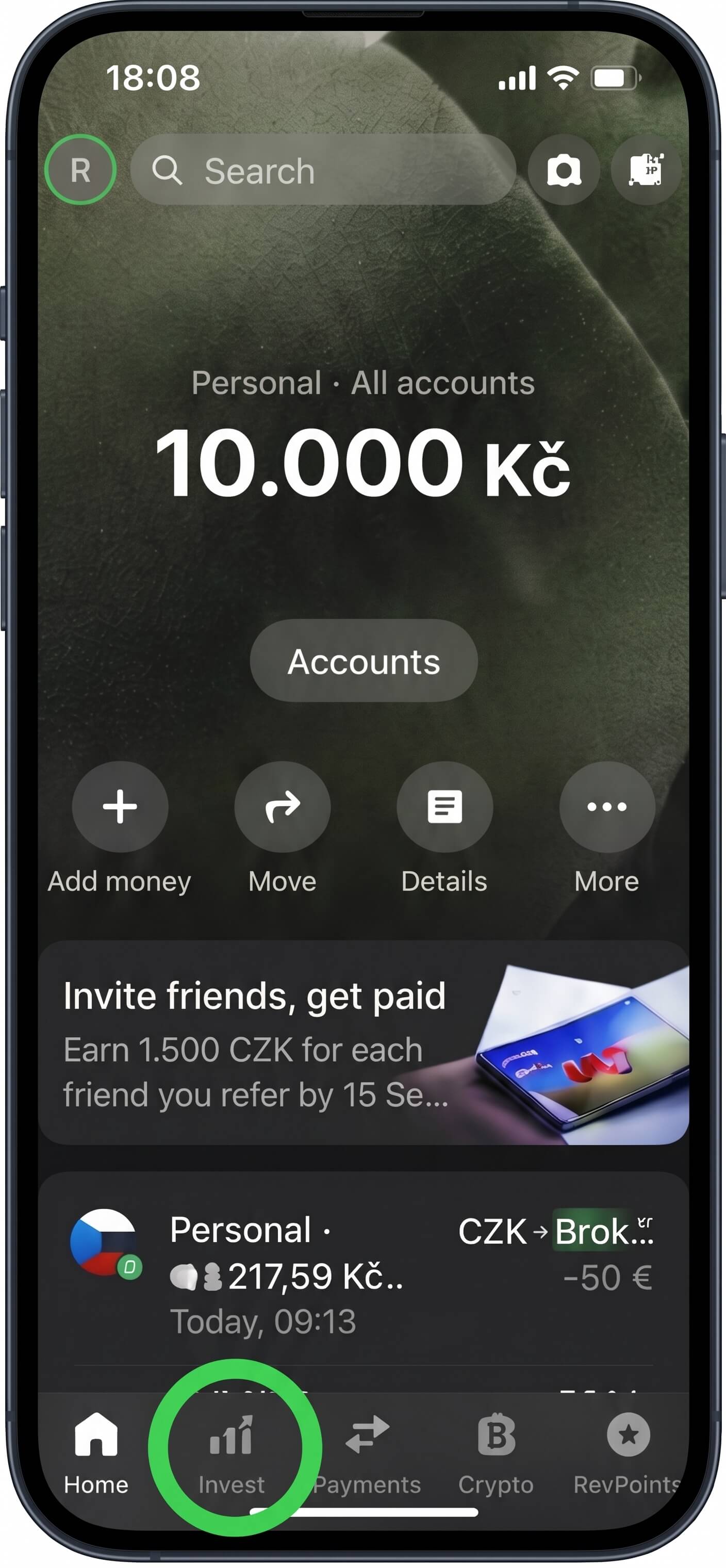
1. Open Invest
Open the Invest tab in Revolut.
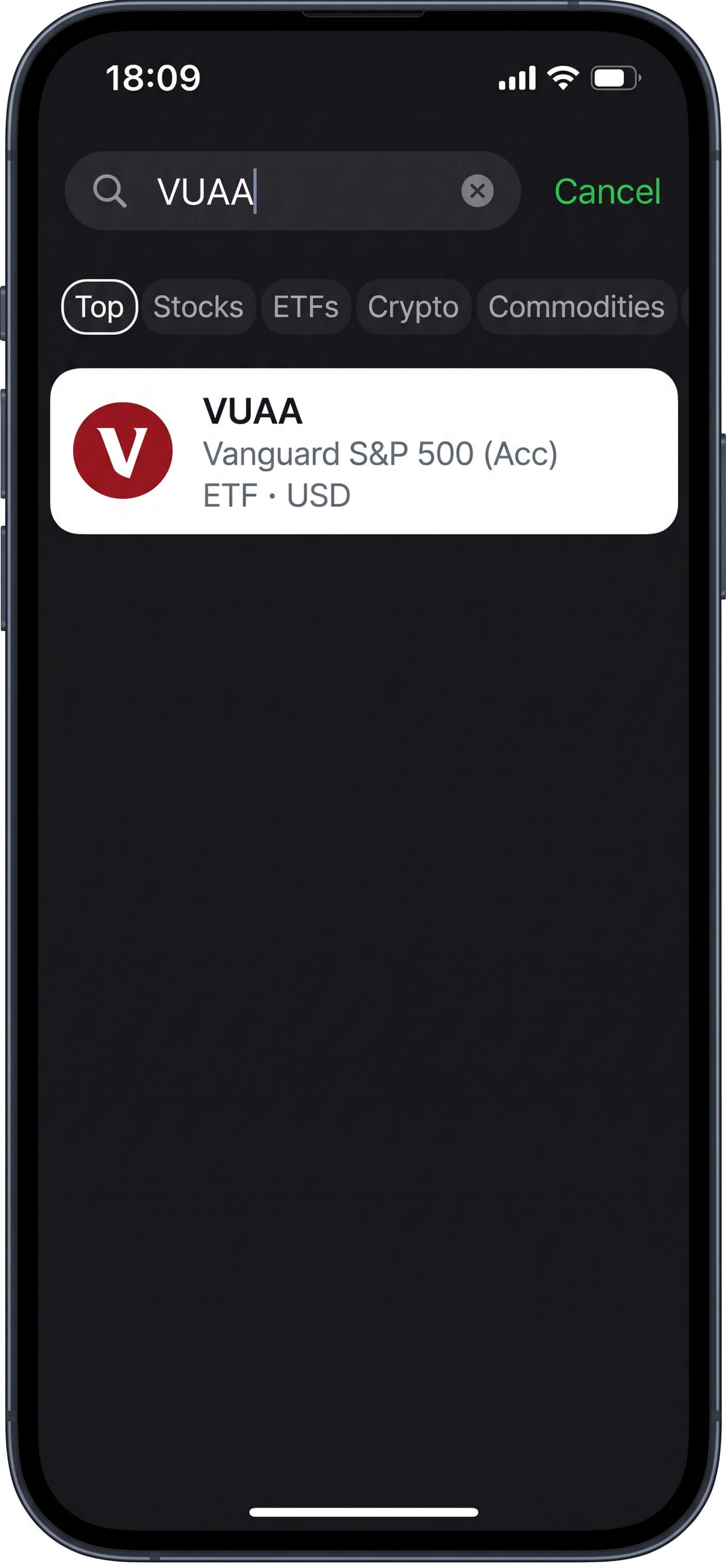
2. Search for VUAA
Search for "VUAA" (Vanguard S&P 500).
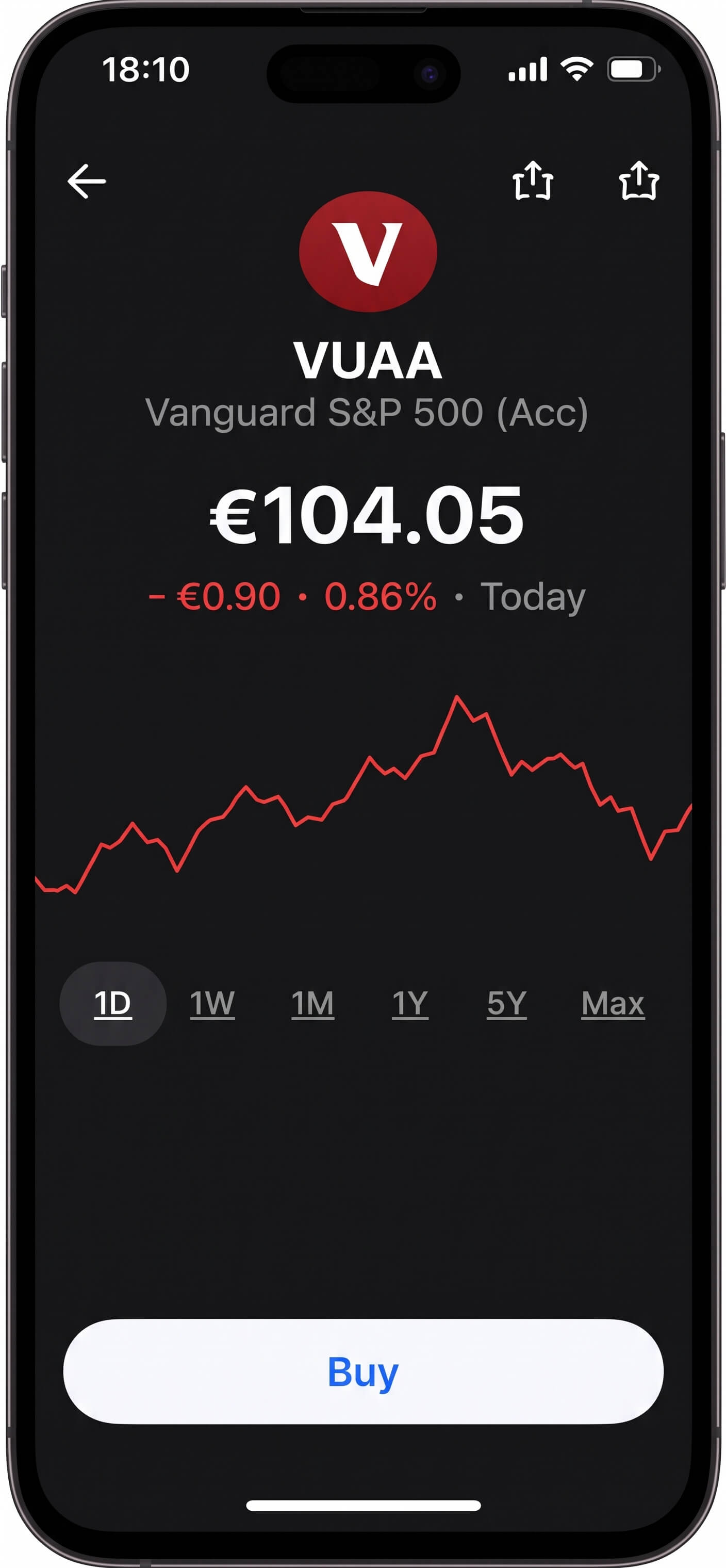
3. Tap Buy
Tap the Buy button on the VUAA screen.
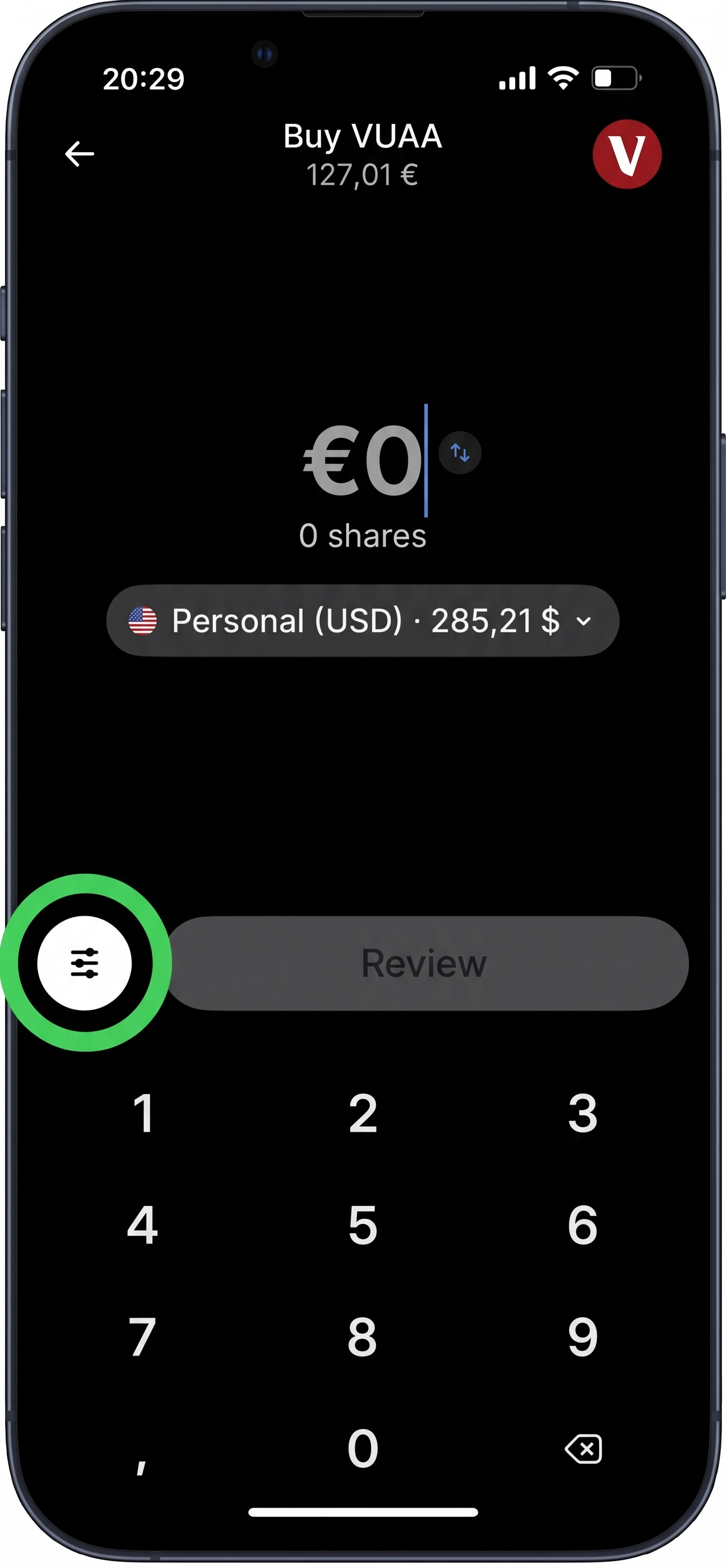
4. Set up recurring
Tap the green-circled button → Recurring buy → Enter amount → Monthly → Review → Submit. ✅
Your Revolut screen may look slightly different depending on your country or app version, but the steps are always very similar.
AUTO-INVEST CONFIRMATION